
Yes, you absolutely can use a smartphone for black and white bird photography, especially if you’re photographing perched birds, backyard visitors, or larger species like herons and gulls.
Smartphones work best for birds that are close enough for your phone’s lens to reach, and they’re a good match for backyard feeders or open perches.
Where they can struggle is with distant birds, fast action shots like birds in flight, and low-light situations.
Still, modern smartphones pack some pretty handy tools, such as telephoto lenses, Pro/manual camera modes, high dynamic range (HDR), RAW image capture, and built-in black and white filters or editing tools, making black and white bird photography more doable than ever before.
Birds relaxing around feeders or sitting still in parks make great subjects for smartphones, mainly because you don’t need a giant telephoto lens to get decent shots.
Honestly, there are times when a smartphone’s AI photo processing actually outperforms budget cameras, particularly for quick edits and sharing. DSLR and mirrorless cameras still hold the edge for super sharp photos, action shots, or situations with tricky lighting.
This guide covers what you’ll need, including phone settings, shooting techniques, gear quirks, and my favorite smartphone picks for beginners.
If you want tips on using a phone for bird photography or are looking for the best phones for the job, you’ll find the answers here.
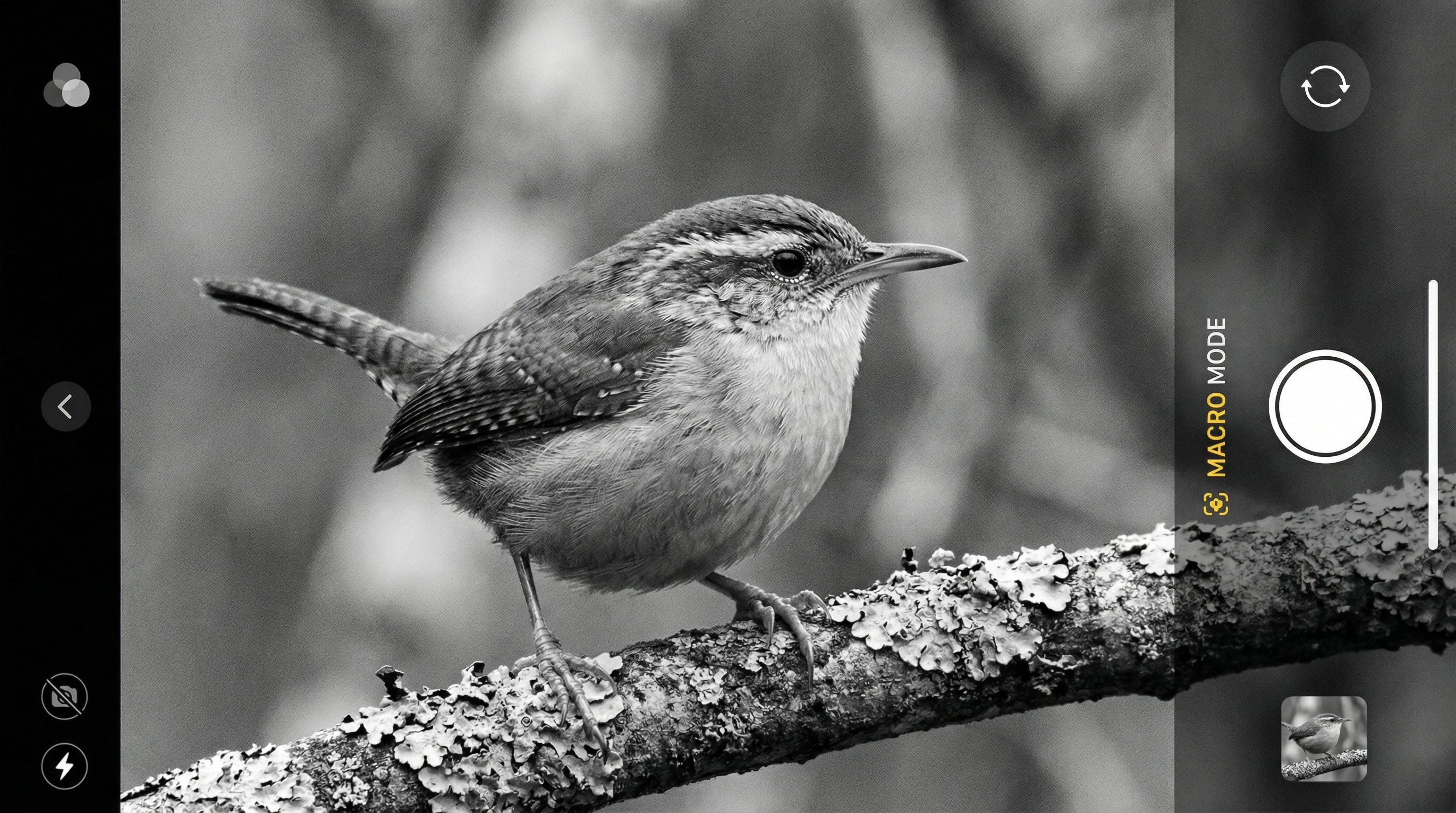
Why Smartphones Can Work Well for Black and White Bird Photography
Black and white photography is all about shapes, textures, and contrast.
Shooting in monochrome frees you from worrying about tricky color casts or odd coloring from light.
On a smartphone, AI sharpening and computational photo magic bring out tons of detail in feathers, even from a pretty small sensor.
Built-in portrait and monochrome modes add next-level cool pop to your images, while RAW files give you lots of control for edits later.
The lightweight, easy to carry design is a big win—it’s simple to snap an eye-catching bird photo and share it instantly to Instagram or your favorite birding group.
Limitations of Smartphone Bird Photography
Smartphones do have a few downsides for bird photography.
The biggest issue is zoom; digital zoom just crops into the photo and can make things look fuzzy fast.
Even with telephoto lenses, phones struggle to match a real camera’s reach.
Small sensors can stumble in low light or create noise in darker areas.
Birds that move fast often blur because your phone cannot always handle super high shutter speeds, and sometimes focus tracking is not as smart as a dedicated camera.
Being honest about these limits helps you set realistic expectations and figure out when it os worth bringing a “real” camera, or just having fun with what you have got in your pocket.
Best Smartphone Camera Features for Bird Photography
Optical Telephoto Lens
A telephoto lens (at least 3x or 5x optical zoom) is really important for getting close up bird photos with actual detail.
Optical zoom uses real glass, so it keeps image quality sharp, unlike digital zoom which just crops in.
RAW Capture Capability
Shooting in RAW means you capture all the image data your phone collects, making it much easier to edit details, contrast, and highlights when converting to black and white.
It just gives you more control than regular JPEGs.
Pro/Manual Mode
Manual camera controls let you dial in the right shutter speed (especially handy for birds in motion), adjust your ISO, and tweak exposure compensation.
Without these, your phone will just guess, and often get it wrong.
Image Stabilization
Optical or electronic stabilization is super useful for steady shots at longer focal lengths, reducing blur from hand shake.
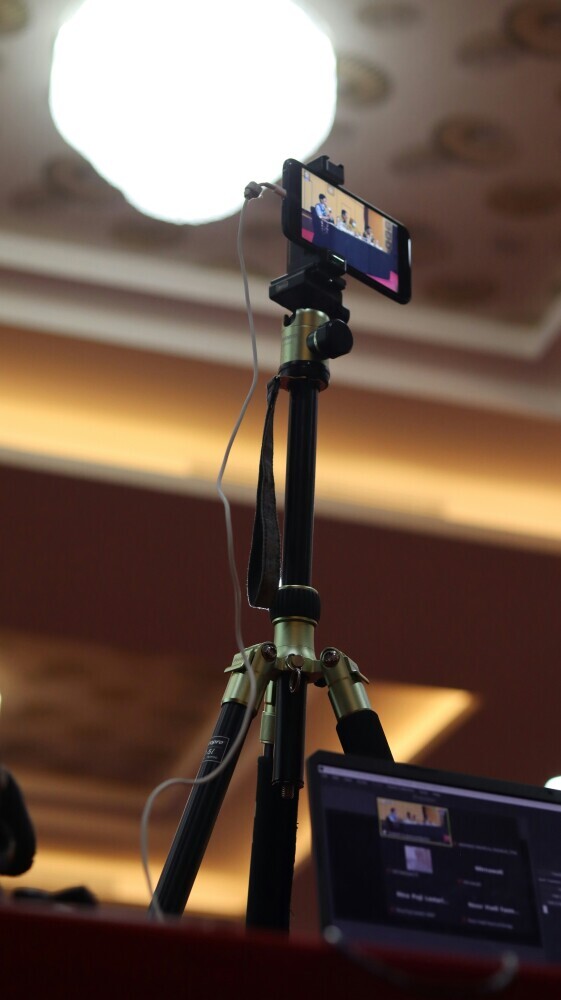
Even a cheap tripod can make a big difference, but in-phone stabilization adds a safety net.
Smartphone Settings for Black and White Bird Photography
Use Pro Mode
Switch your camera to Pro or Manual mode.
I usually set a fast shutter speed (1/1000s or higher) for birds that might move, and keep ISO as low as possible for less noise.
Dialing in slight underexposure helps keep white feathers from losing detail.
Shoot in RAW
If your phone allows, always shoot in RAW, then convert the photo to black and white during editing.
Apps like Lightroom Mobile do a great job for this, and you get way better control than the default black and white filter.
Use Burst Mode
Set your phone to burst (continuous shooting) so you can grab several photos while the bird is moving or turning.
This increases your chances of nailing sharp eyes and interesting poses.
Black and White Filters vs Editing Later
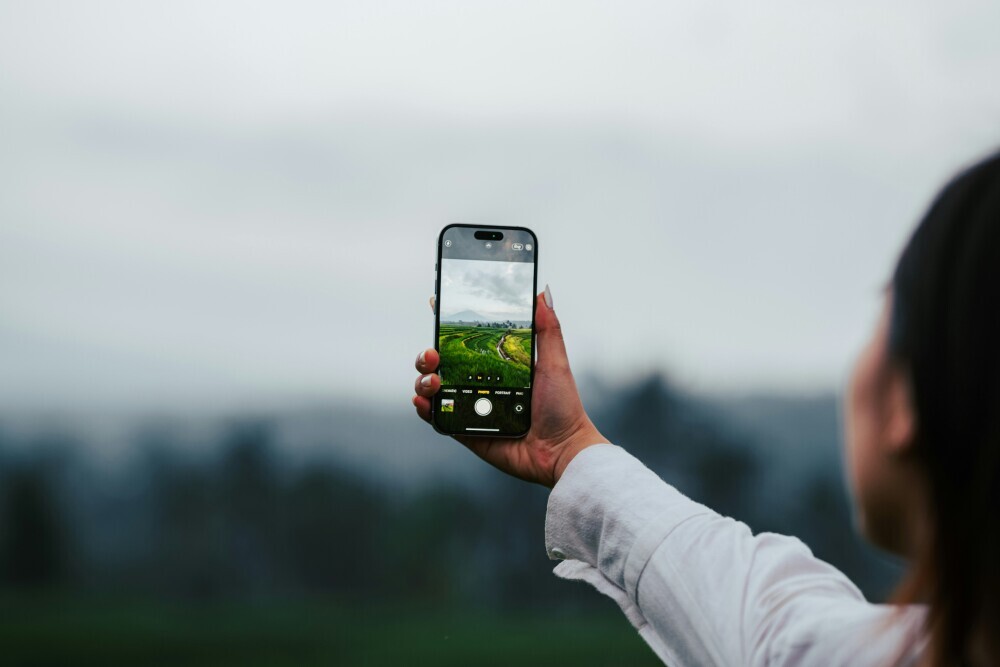
Built-in camera filters can look great, but for real control, shoot your images in color RAW and switch to black and white while editing.
Lightroom Mobile or Snapseed both work great for this and keep every bit of detail possible.
Techniques for Better Smartphone Bird Photos
Get Closer (Without Disturbing Birds)
The closer you get, the clearer your photo will be, but do not scare the birds!
Photograph birds at feeders, find ducks or herons at lakes, or try public parks where birds are used to people.
Use your phone’s zoom sparingly for distant birds.
Use Natural Light
Soft light (like morning or evening) looks awesome for black and white bird shots.
It adds contrast and texture without harsh shadows.
Midday sun can make birds look flat or blow out the highlights, so it’s worth avoiding when possible.
Stabilize Your Phone
A mini tripod or even just leaning your phone or hands against a tree, fence, or car can help keep your shots steady on those longer telephoto settings.
The steadier you are, the less blur you’ll have to fight.
Focus on the Eye
Tapping your phone screen to focus right on the bird’s eye usually brings out more detail and makes the photo feel alive.
If the bird moves, tap again or use burst mode for multiple focus points.
Best Birds to Photograph with a Smartphone in Black and White
Not every bird is a great black and white subject. I’ve found these work best:
- Herons: Big, slow moving, and easily found around ponds and lakes.
- Gulls: Common at the coast, plenty of contrast in feathers for striking monochrome looks.
- Pigeons: Urban birds often ignored, but they actually have great textures in black and white.
- Backyard Songbirds: Chickadees, finches, sparrows—especially if they’re perched at a feeder.
- Larger Raptors: Owls and hawks, if you can get close (or visit sanctuaries).
Birds with sharp markings, light plumage, or big shape differences (like herons or crows) turn out best in black and white, as you can capture feather contrast without color distractions.
Best Smartphones for Black and White Bird Photography
- Apple iPhone Pro Models: iPhone 14 Pro and newer include telephoto lenses, ProRAW mode, and tons of computational contrast. Their built-in Photos editor also works surprisingly well for basic black and white tweaks.
- Samsung Galaxy Ultra Series: Galaxy S23 Ultra or S24 Ultra pack big sensors, advanced AI sharpening, and a whopping 10x optical zoom. The built-in manual Pro modes add tons of flexibility.
- Google Pixel Pro Models: Pixel 7 Pro and 8 Pro feature outstanding computational photography tricks, HDR, and simple sharing. Their AI tools boost feather detail, even with smaller sensors.
- Sony Xperia Pro Models: Sony Xperia 1 V and its siblings give you near mirrorless camera manual controls right on the phone, including RAW and pro-level tweaks.
All of these phones let you shoot in RAW and offer robust pro camera modes.
Pick one that fits your budget and check sample bird photos online before buying if bird photography is your main goal.
Recommended Accessories for Smartphone Bird Photography
- Clip On Telephoto Lenses: These give a boost to your zoom reach on phones without strong telephoto abilities. They aren’t as sharp as built-in glass, but come in handy for tight budgets.
- Mini Tripods: Any small tripod or smartphone clamp helps keep things steady, letting you frame the bird without hand shake.
- Bluetooth Remote Shutter: Fire the shutter without tapping the screen, which avoids blur from touch vibration.
- ND Filters for Smartphones: These manage harsh light and let you shoot with slower shutter speeds for creative effects.
- Phone Mounts for Spotting Scopes: Digiscoping (holding the phone up to a telescope or spotting scope) massively increases your zoom for distant birds.
Smartphone vs DSLR/Mirrorless for Black and White Bird Photography
If you want portability, a phone is tough to beat.
You’ll have less reach for distant birds, struggle with fast moving action, and won’t get that creamy background blur or top low light performance as a bigger camera.
But phones cost less, weigh less, and still create solid bird portraits for sharing online.
For big wildlife projects, rare birding locations, or flight shots, a DSLR or mirrorless with a telephoto lens wins out.
Most folks use both—their phone when out for a walk, and their camera for more dedicated adventures.
Common Mistakes in Smartphone Bird Photography
- Relying too much on digital zoom: This quickly drops quality, so always move closer whenever you can.
- Shooting only in auto mode: Pro/manual modes give way better results for moving or high-contrast scenes.
- Ignoring lighting direction: Light from behind your subject creates dark bird photos. Try to keep the sun or sky at your back.
- Not stabilizing the phone: Can lead to blurry photos, especially when using zoom.
- Over-editing in apps: Heavy editing can make birds look fake or cartoonish. Keep edits natural for feather detail.
When a Smartphone Is Enough, and When It’s Not
For social media, travel snapshots, backyard bird counts, and just learning the ropes, a smartphone is more than enough.
When you want to publish, print, or tackle tough lighting and fast birds, you will likely want a “real” camera.
I use my phone for casual bird watching and quick uploads, but turn to a camera rig for dedicated wildlife photography sessions.
Quick Beginner Checklist
- Use your phone’s optical telephoto lens if available
- Shoot in RAW format
- Set a fast shutter speed to freeze movement
- Steady your phone (tripod or both hands)
- Tap to focus on the bird’s eye
- Edit and convert to black and white for best results
Frequently Asked Questions
Can I photograph birds with my phone camera?
Absolutely.
With a good telephoto lens, RAW support, and decent light, smartphones are great for bird photos, especially close or perched birds.
What smartphone is best for bird photography?
Top picks include iPhone Pro (14 or newer), Samsung Galaxy S Ultra, Google Pixel Pro, and Sony Xperia Pro models, all thanks to strong zoom, RAW ability, and manual controls.
Is black and white easier on a smartphone?
It can be simpler in several ways.
The phone’s AI and built-in filters handle contrast very well, and you do not need to stress about colors. Editing in RAW gives you extra control.
Can smartphones capture birds in flight?
Phones often struggle with fast motion because of slower autofocus and rolling shutter.
You will see the best results with perched or slow moving birds.
Do I need accessories for smartphone bird photography?
Accessories such as mini tripods, telephoto add-ons, and remote shutters really help, but you don’t need lots of gear to get started.
Stabilization is the best upgrade for most beginners.
Smartphones Can Absolutely Do Black and White Bird Photography
It is totally possible to get compelling black and white bird photos on your smartphone.
Capturing the shot has way more to do with timing, lighting, technique, and a bit of creativity than owning fancy gear.
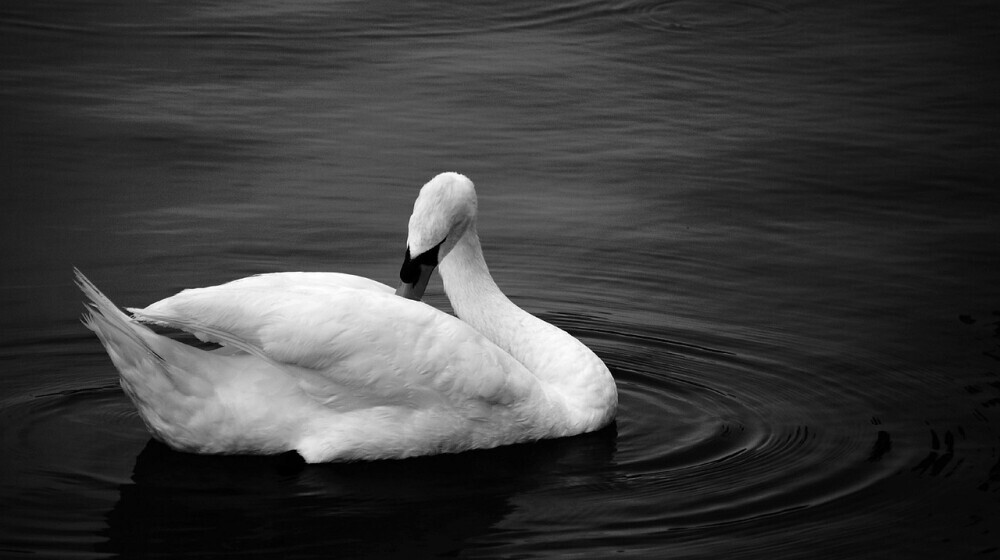
Try different angles, explore editing apps, and do not stress about perfection.
Some of my favorite bird shots started off as quick phone snaps.
If you want to take things up a notch, check out my guides on black and white bird photo editing, lens adapters, or basic bird photography tips for beginners.
Give it a shot, experiment, and share your results. Bird photography is no longer just for people with big cameras!
Got any interesting from this article ?
Drop them in the comments below. And don’t forget to subscribe for regular tips.
If you need some starter equipment, check out my gear recommendations too.
Happy photographing !!!!!!